Get a virtual number for Steam account security and SMS verification. Receive messages online, improve privacy, and protect your Steam account with Freezvon.
When you spend years building up your digital gaming library, keeping it safe becomes just as important as hitting the next level in your favorite game. Today, Steam profiles are worth far more than just bragging rights—they host valuable digital assets, rare skins, and sensitive payment info. With hackers and scammers constantly finding new ways to target gamers, basic passwords just don't cut the mustard anymore.
That is exactly why smart players are turning to cloud-based setups to add an invisible layer of privacy to their gaming setups. Using a dedicated virtual phone line lets you handle all your security alerts and verification texts without ever having to broadcast your actual private mobile number to the world. It is an easy, streamlined way to keep your gaming adventures separate, safe, and completely under your control.
Secure Your Gaming Assets with Freezvon. Get Started Today!
What Is Steam?
Steam is the absolute king of digital game distribution for PC players, built and run by the team at Valve Corporation. It is the ultimate digital playground where millions of gamers log in daily to buy, download, and play everything from massive triple-A blockbusters to hidden indie gems.
But Steam is way more than just a store app. It is a massive global community where players join groups, stream their gameplay, and trade items on the Steam Community Market. Because individual inventories can be worth real-world fortunes, these accounts are prime targets for cyber criminals, making smart profile security a non-negotiable part of modern gaming.
Why Does Steam Use Phone Numbers?
To keep the trading market fair and stop malicious actors from ruining the fun, Steam uses phone verification to double-check that you are exactly who you say you are. Linking a real working number to your profile proves to the system that there is a flesh-and-blood human behind the screen. This quick check is Steam’s best tool for stopping automated bot armies, fake spam accounts, and marketplace scammers right at the door.
Your linked number also acts as the ultimate emergency backup plan for your account. If you ever forget your password or someone tries to log in from an unfamiliar device, Steam uses this direct line to send you an instant recovery code to get you back in the game.
Steam may use phone numbers to help secure accounts, support recovery options, and enhance protection against unauthorized access.
By verifying logins through a network instead of relying entirely on a typed password, Valve gives your library a massive shield against brute-force attacks.
Why Use a Virtual Number for Steam?
Grabbing a dedicated virtual phone number for your gaming profiles is one of the easiest ways to level up your personal data privacy. The biggest perk? You get to draw a hard line between your real-world identity and your online gaming persona. Plastering your personal cell number across trade forums, community discords, or public live streams is an open invitation for spam calls, phishing attempts, or worse.
A virtual line also gives you incredible freedom if you travel, move abroad, or manage multiple regional accounts. Instead of swapping physical SIM cards or paying crazy roaming fees just to check a text, a cloud number lets you handle your account alerts from anywhere on the planet. It keeps your primary number private while keeping your gaming life fully functional.
How to Get a Virtual Number for Steam
Select a Country
Hop into your Freezvon dashboard and pick the country that fits your gaming setup. Matching your virtual number's region to your actual location or your Steam store billing country helps keep your account standing perfectly clean.
Purchase a Virtual Number
Look through our wide selection of cloud-based lines, find the plan that works best for you, and buy a virtual number for Steam through our secure system. The activation happens online in minutes, so you don't have to wait around for a piece of plastic in the mail.
Add the Number to Your Steam Account
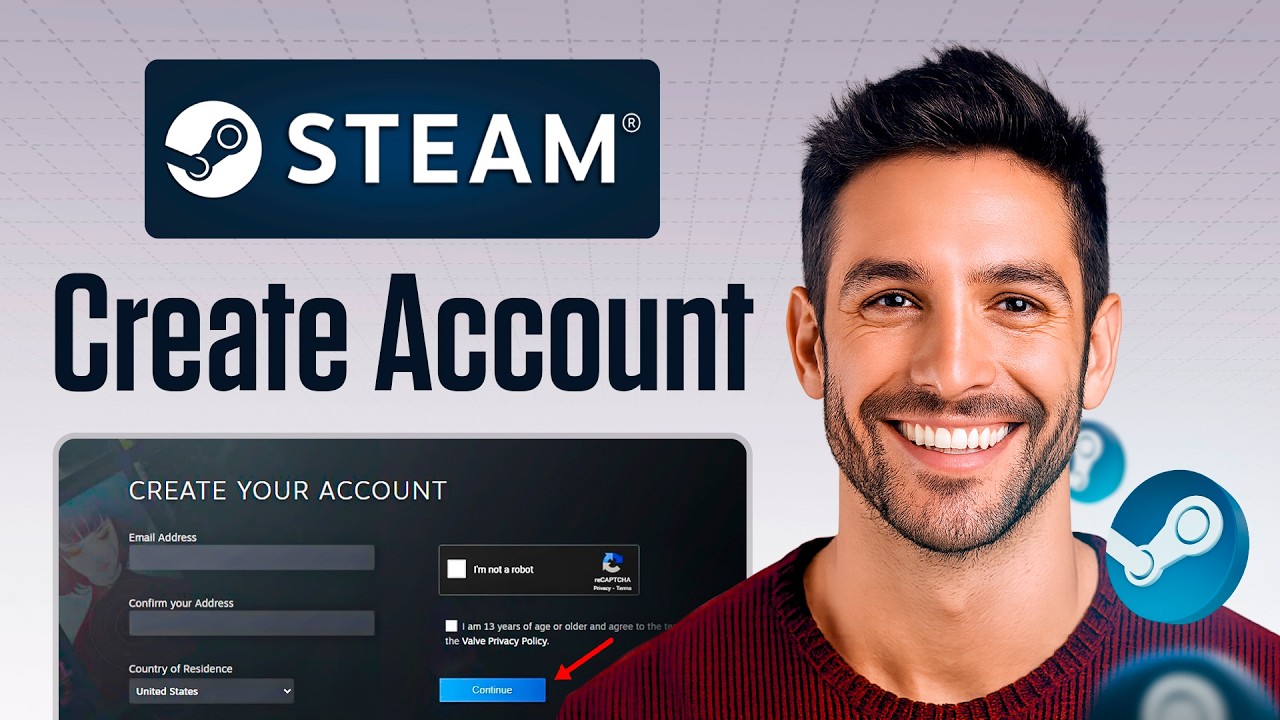
Open your Steam desktop client or log into the website, head over to your Account Details page, look for the Contact Info section, and click the option to link a new phone number to your profile.
Receive SMS Messages
Keep your Freezvon dashboard open on your browser or phone. Our system catches the incoming text from Valve instantly, allowing you to comfortably receive your SMS online without worrying about local cell reception.
Enhance Account Security
Copy the verification code from your Freezvon screen, paste it into the waiting Steam prompt, and hit confirm. Once that is done, make sure to switch on Steam Guard to lock your security down tight.
Protect Your Steam Account with Freezvon — Get Your Number Now!
Benefits of Using Freezvon for Steam
When you choose Freezvon, you are plugging into a high-grade cloud network built for speed and reliability. We know that when you are waiting on a verification code, every second counts. That is why our infrastructure is fine-tuned for rapid text delivery, ensuring your codes don't get lost in transit like they often do with cheap, unverified text apps. With numbers available all over the world, you can set up your connection exactly where you need it.
We also offer a lot more than just basic message receiving. You can set up your account to automatically forward incoming texts straight to your email inbox, configure custom voice menus, or hook everything up to advanced VoIP solutions. Plus, with our rock-solid system stability and a friendly 24/7 support team always ready to help, your line stays up and running even during hectic summer and winter Steam sales.
Can You Use a VoIP Number for Steam?
Tons of tech-savvy gamers use cloud telephony platforms to manage their entire digital presence, using dedicated lines to set up their virtual number for Discord, virtual number for Telegram, and other core accounts. Centralizing your notifications makes it incredibly easy to keep track of security across multiple apps.
When you go to link things up, just keep in mind that automated SMS delivery depends on a mix of local telecom laws, carrier routing paths, and individual platform spam algorithms. While thousands of players use cloud lines smoothly every single day to run their accounts, exact delivery behaviors can occasionally shift when platforms update their code. That is why Freezvon focuses on providing premium, stable communication paths to give your verifications the best possible success rate.
Best Countries for Steam Virtual Numbers
Picking the right geographic location for your virtual line helps keep your security profile aligned with your favorite gaming regions.
| Country | Use Case | Availability |
|---|---|---|
| United States | Great for accessing North American game versions, early beta tests, and US regional support. | High Availability |
| United Kingdom | Perfect for UK store settings, European matchmaking brackets, and local gaming events. | High Availability |
| Germany | Excellent for central European gaming hubs and keeping things under strict EU data privacy rules. | High Availability |
| Canada | A smooth choice for North American store access and matching up regional billing details. | High Availability |
| France | Tailored for West European regional pools and localized platform integrations. | High Availability |
| Netherlands | Highly popular for low-latency European server connections and stable data routing. | High Availability |
Steam Guard and Account Security
Think of Steam Guard as the heavy-duty deadbolt on your digital library door. It is Steam's built-in two-factor authentication (2FA) system, and it makes sure that a standard password leak won't spell disaster for your account. Once it is turned on, anyone trying to log into your profile from a new device or browser has to type in a unique, temporary security code before they can get in.
Account Protection Best Practices
- Use Mobile Authentication: Route your security codes through a trusted mobile app or a dedicated, secure virtual line.
- Hide Your Backup Codes: Write down your physical recovery codes and store them somewhere safe offline—never keep them in a plain text file on your desktop.
- Watch for Weird Alerts: If you get a random security code text out of nowhere, change your main account password immediately.
- Ignore Random Trade Links: Never log into your Steam account through third-party trading sites or links sent by random people in chat.
Why Gamers Use Separate Phone Numbers
Serious PC players and streamers know that keeping your data isolated is the golden rule of online safety. Between signing up for tournament brackets, joining community forums, setting up chat apps, and buying indie bundles on different storefronts, your digital footprint expands fast. If you use your personal cell number for everything, a single data breach at any of those sites means your private info is out in the open.
By using dedicated lines, you can separate your digital life into clean compartments. You can keep one line for gaming storefronts, use a separate virtual number for Google Account or a virtual number for Apple ID to manage your emails, and keep your personal phone entirely off the radar. This keeps your private inbox free of gaming spam and ensures your real-life phone isn't buzzing while you are in the middle of a match.
Enhance Your Gaming Privacy — Get Your Freezvon Virtual Line Today!
External Resources & Support
For official setup guides, official support tickets, and deep dives into Valve's safety rules, take a look at these official resources:
- Keep up with company announcements and platform updates directly via the Valve Corporation Website.
- Browse the digital storefront, check community hubs, and access settings via the main Steam Platform.
- If you need to recover a lost profile or open an official ticket, visit the Steam Support Hub.
- Read the official step-by-step security walkthroughs on the Steam Guard Documentation page.
Alternative Platform & Security Solutions
Want to secure your other daily online tools and messaging apps? Check out our step-by-step virtual number setup guides for other top global networks:
- Keep your community servers and voice chats safe with a dedicated virtual number for Discord.
- Chat privately and securely without revealing your cell number by using a virtual number for Telegram.
- Lock down your cloud files, backups, and devices with a specialized virtual number for Apple ID.
- Add a solid layer of verification to your primary email inbox with a virtual number for Google Account.
- Give your international customers a completely free way to call your support desk with a professional toll-free number.